Free-roam educational VR: what it is, benefits, how it works and costs
A complete guide for schools, teachers and VR centers: definitions, learning value, safety with children, the space you need, the two ways to run it and how pricing works.
 Illustrative image
What free-roam educational VR is
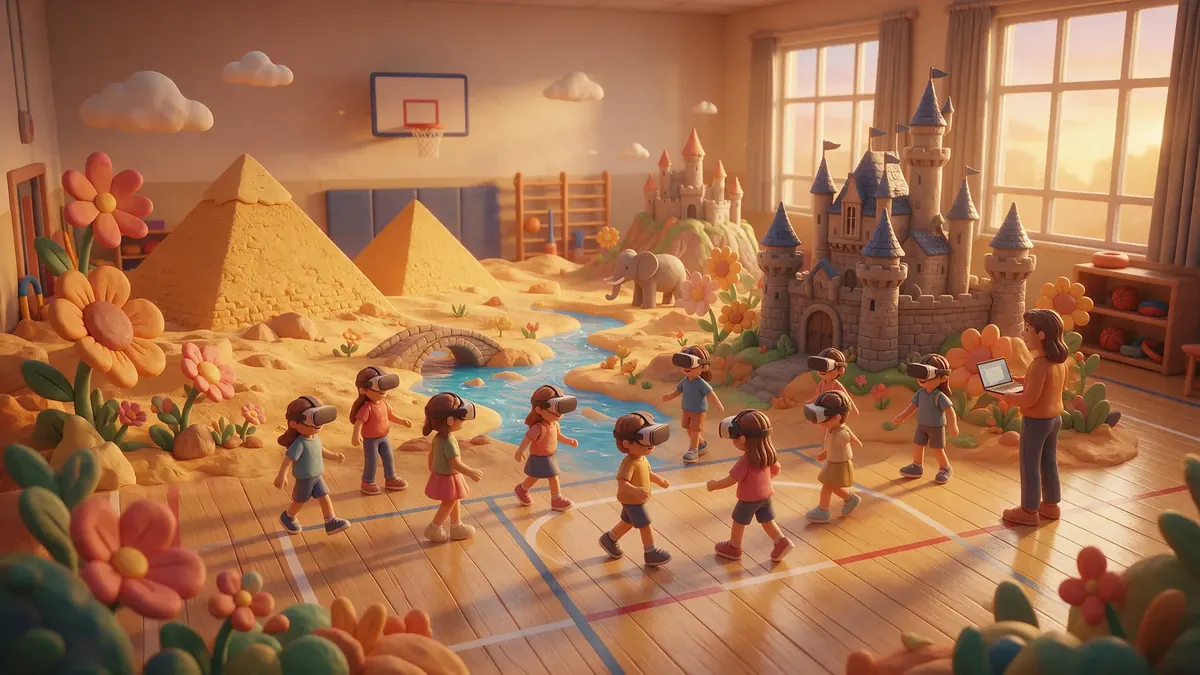
Free-roam educational VR is a way of using virtual reality for learning in which a group of students walks freely around a real, empty space (a gym, a multipurpose hall or the arena of a VR center) while wearing wireless headsets, and all of them share the same virtual world at the same time. They can see each other as avatars, talk naturally and solve challenges together.
Three ingredients define it:
- Free movement. Students physically walk, crouch, carry and point. There are no cables, joysticks to move around or fixed seats: one real step is one step in the virtual world.
- A shared world. Everyone is in the same place inside the game. If one student opens a gate, the rest see it open. This is what makes real cooperation possible.
- Educational content. The game is designed around learning goals: a historical period, a math concept, a scientific phenomenon. The fun is the vehicle, not the goal.
The term comes from entertainment: free-roam VR arenas have been offering multiplayer games for years. What is new is designing experiences specifically for school groups, with curricular content, short sessions that fit the school timetable and a facilitator who runs the session.
In short: free-roam educational VR turns the gym into a place where the whole group walks into what it is learning, together.
How it differs from seated classroom VR
When people think of VR at school, they usually picture students sitting at their desks, each with a headset, watching a 360° video or exploring an application on their own. That model has its place, but it is a different thing.
| Free-roam educational VR | Seated classroom VR | |
|---|---|---|
| Movement | Students walk around a real space of 6 × 6 to 10 × 10 m | Students stay seated or standing in one spot |
| Social experience | Everyone shares the same world and cooperates | Each student is usually in their own world |
| Group size per session | Groups of up to about 10 at a time | As many as there are headsets in the class set |
| Space | An open, clear room | The normal classroom |
| Who runs it | A facilitator with an operator console | The teacher manages the devices |
| Typical content | Cooperative missions of 10–30 minutes | 360° videos, virtual visits, individual simulations |
Neither is "better" in general: they answer different needs. We compare them in depth in Free-roam VR vs classroom VR headsets.
Learning benefits
We will not quote percentages here: research on VR in education is growing but uneven, and results depend a lot on the content and on how the session is run. What we can describe is what free-roam design makes possible, and what we observe when we run sessions with school groups.
Cooperation that is not optional
In a well-designed free-roam game, some tasks physically need two or more people. In El secret del faraó, the sluice gate only opens if two students lift its two handles at the same time, and the heavy blocks of the pyramid base are carried in pairs. In the Giants kit, the reservoir wall is carried by two. Cooperation is not a rule the teacher has to enforce: it is the only way forward.
Information that has to be shared
Another powerful mechanic is giving different information to different players. In the Giants kit only one student hears the mayor, who whispers, and has to pass on the message. In the Ants kit only the player with the antennae sees the pheromone trail and must guide the rest with words. Students practice explaining, listening and checking.
Active, embodied learning
Students do not just look: they walk the path of the Nile flood, pour water on the sand to move a sledge, measure a river with a ruler or shelter from giant raindrops with a leaf. Concepts are attached to actions and places, which gives teachers concrete experiences to refer back to in class.
Mistakes that teach, not punish
In our games, errors have visible consequences instead of penalties: if the reservoir wall is too low, the water overflows and the team has to rescue the fishermen and try again; if the sand is dry, the sledge gets stuck. The group sees why something did not work and adjusts.
A shared experience to build on
Because the whole group lived the same story, the follow-up lesson starts from common ground: "remember when the gate would not open?" That shared memory is often the most useful part for the teacher.
Safety with children
Walking with a headset on requires a well-prepared space and an adult in charge. These are the practices we apply and recommend:
- A delimited play area with a clear walkway around it, free of benches, columns, balls and bags.
- Interactive objects inside the play area. In El secret del faraó everything you can touch is within 6 × 6 m; the river, the pyramid and the village are scenery outside the edge, so nobody walks towards something that is not there.
- Wireless, standalone headsets. No cables to trip over and no PC backpack.
- A facilitator present at all times, watching the group and the status of every headset on the operator console.
- Short, age-appropriate sessions: missions of 10 to 30 minutes, not hours.
- Walking, not running, explained before the headsets go on.
- Hygiene: clean the face interface between groups.
- Manufacturer guidance and family consent: check the headset maker's age and health recommendations and inform families in advance. Any student who feels unwell takes the headset off and sits out; there is always an alternative role (for example, helping the facilitator).
- No student accounts. Our games run offline during the session and do not require students to register.
More on our commitments in Quality and trust.
Space and logistics
How much space
The play area is usually configured between 6 × 6 m and 10 × 10 m, with a clear walkway around it. A school gym is ideal: it is open, has a smooth floor and usually enough room. A multipurpose hall can work too. Games designed for the smaller size (6 × 6 m) can be played almost anywhere with an open floor.
What you need on the day
- One standalone headset per player (we use PICO 4 Ultra Enterprise), charged.
- A laptop with the operator launcher, which shows battery and status for each headset and controls the game.
- About 5 minutes to calibrate the room: the corners are marked and the map reaches all headsets at once.
- No internet connection: the games run offline.
Groups and timing
A typical session lasts about 40 minutes: calibration, meeting the guide, the mission and a short wrap-up. With groups of up to 10, a class of 25 is split into three groups that play one after another. The students who are waiting can do a related activity with their teacher. See How it works for the four phases of a session.
Two ways to do it
1. A school trip to a VR center
The class travels to a free-roam VR center that offers educational content. The center has the arena, the headsets and trained staff; the school only brings the students. It is a good option for a one-off outing or for schools without a suitable room. We explain how to organize one in VR school trips: how to organize one, and our own arena is described in Our VR center.
2. A session at the school
The provider brings the headsets, the laptop and a facilitator to the school's gym or hall. The class does not leave the building, several groups can play in a row, and the session fits into a normal school morning. See VR for schools.
VR centers that want to receive school groups can read How VR centers can add an education line.
How costs work
We do not publish price figures in this guide, because they depend on the model, the number of students, the location and the content. What we can explain is how the cost is structured:
- For schools, a session at the school or a trip to a center is usually quoted per student, and the quote includes the headsets, the facilitator and the content.
- For VR centers, our model is pay per player: the center buys prepaid credits and one credit is one player in one game. There is no monthly fee and no upfront fee, credits do not expire, and usage is recorded even offline and synchronized later.
- Hardware (headsets, chargers, a laptop) is a separate investment for those who run their own arena; schools that book sessions do not need to buy anything.
If you need figures for a budget, tell us your case and we will send you a quote.
Inclusion and accessibility
Free-roam sessions are physical, so it is worth planning for every student in advance:
- Roles for everyone. Good games have tasks of different kinds: some students carry, others read, count, guide or check. A student with reduced mobility can take a role that needs less walking.
- A way out at any time. Anyone who feels uncomfortable can take the headset off and step outside the play area, without having to explain why. They can follow the session as the facilitator's assistant.
- Language support. Our games are available in Catalan, Spanish and English, and guides speak in short sentences, with key instructions also shown as text.
- Information in advance. For students who need predictability, show them pictures of the room and explain what will happen before the day.
How to evaluate what students learned
A free-roam session is short and intense, so the evaluation happens mostly before and after it:
- Before: ask two or three open questions about the topic ("Why did people in Egypt live by the Nile?") and keep the answers.
- During: observe and note how the group cooperates: who leads, who explains, how they solve disagreements.
- After: ask the same questions again, and ask each group to retell the mission in order. Rework one of the challenges on paper with different numbers.
- Session data: our launcher shows a summary at the end of each game (time, results of some challenges) that can support the discussion.
Common mistakes to avoid
- Treating it as a reward with no link to the classroom. The session is most useful when it is part of a unit, with work before and after.
- Too many students waiting with nothing to do. Plan a related activity for the groups that are not playing.
- An unprepared room. Benches, balls and bags near the play area slow everything down. Clear the space before the facilitator arrives.
- Explaining everything in advance. Give context, not the solutions: discovering how the sluice gate opens is part of the learning.
- Choosing by graphics alone. Check the learning goals, the age range and the need for cooperation first.
How to choose a good free-roam educational experience
- Does every challenge have a clear learning goal, and can the teacher see which one?
- Does the game require cooperation, or could one student finish it alone?
- Is it designed for the space you have, with interactive objects inside the play area?
- Is it available in your students' languages?
- How long is it, and is there a short version?
- Does it run offline, and does it avoid student accounts?
- Is there material or a guide for before and after the session?
Our catalog, with the details of each game, is on the Experiences page.
Frequently asked questions
What does free-roam mean in virtual reality?
That players move freely around a real space while wearing wireless headsets, instead of staying seated or moving with a joystick. In free-roam multiplayer, they also share the same virtual world.
What age is free-roam educational VR suitable for?
Our games are designed for ages 6 to 15, depending on the title. Check the headset manufacturer's age guidance and inform families before the session.
How many students can play at once?
In our games, up to 10 per group share the same world. Larger classes are split into groups that play one after another.
How much space is needed?
A clear area between 6 × 6 and 10 × 10 meters, with a walkway around it. A school gym is ideal.
Do we need internet or computers at school?
No. The provider brings the headsets and the laptop, and the games run offline.
Is it safe?
With a delimited, clear play area, wireless headsets, short sessions and a facilitator present at all times, it is an activity that can be run safely with school groups.
How much does it cost?
It depends on the model. Schools usually receive a quote per student; VR centers pay per player with prepaid credits (one credit = one player in one game), with no monthly or upfront fee.
Does it replace classroom teaching?
No. It is a shared experience that teachers use to introduce or consolidate a topic, with work before and after the session.